
E-Commerce Shipping
How to Reduce WooCommerce Cart Abandonment and Recover More Sales
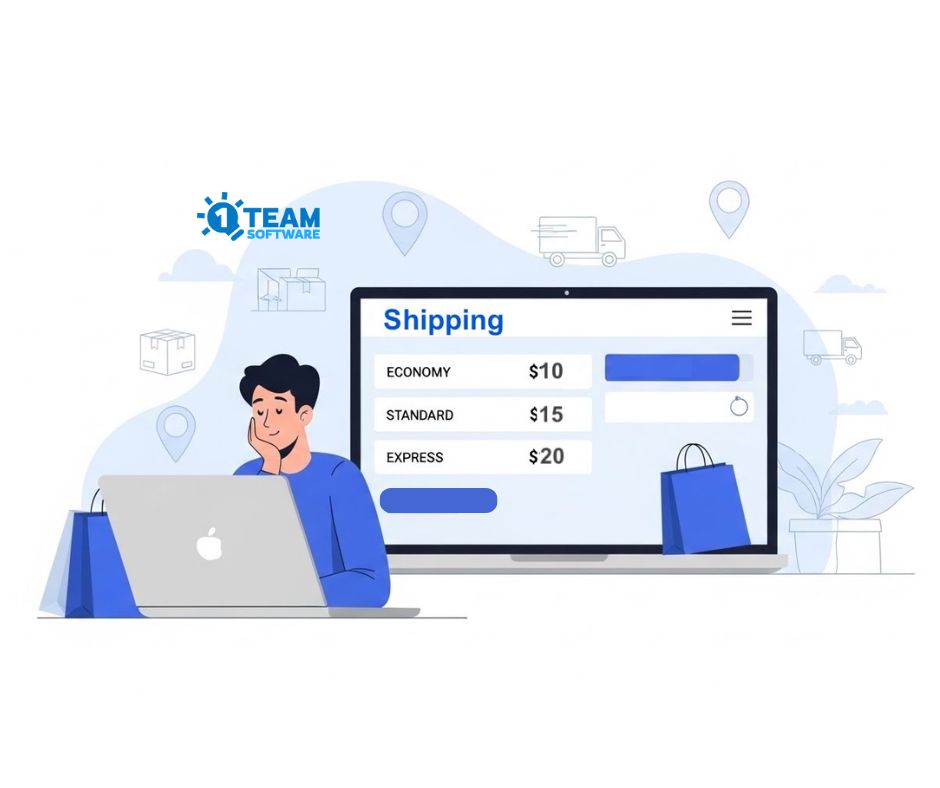
We’ve all been there. You find the perfect product, add it to your cart, and head to checkout. Then you see a flat-rate shipping fee that makes you stop and think, “Wait, why is shipping this expensive?”
Suddenly, that $40 product doesn’t feel like such a great deal anymore.
So you close the tab.
You aren’t alone. In the WooCommerce world, nearly 7 out of 10 shoppers abandon their carts, and one reason stands above the rest: unexpected shipping costs at checkout.
As a store owner, you can’t control the weather or the speed of a delivery truck, but you can control how transparent and fair your shipping pricing feels. That’s where the live, multi-carrier shipping rates for WooCommerce make a real difference.
The Real Problem: Surprise shipping costs
Most cart abandonment doesn’t happen because your product is not good. It happens because customers feel blindsided. If you use a flat-rate shipping model for your e-commerce store, you’re usually stuck choosing between two bad options:
- Overcharging your customers (and losing the sale), or
- undercharging to stay competitive (which kills your margins).
Neither is sustainable.
When you switch to integrate live rates from multi-carrier services like Shippo, ShipStation, EasyPost, or ChitChats, you replace guesswork with “Calculated Honesty.” Customers see exact shipping costs based on their address, package size, and carrier, including what it costs to get the package to their doorstep. This transparency removes the anxiety of hidden fees.
4 Ways Live Shipping Rates Increase WooCommerce Conversions
1. Give Customers the Power of Choice
Don’t force a single shipping option on your customers. By displaying multiple live shipping rates of different shipping services, you can display a “Good, Better, Best” menu:
- Economy shipping for budget-conscious buyers
- Standard shipping for most orders
- Express shipping for customers who need it fast
When customers can choose the shipping services that fit their budget and timeline, they feel in control and far more confident completing the purchase.
2. Use “Free Shipping” as a Strategic Lever
We know that “Free Shipping” is the ultimate conversion magnet. But offering it on every order can quietly destroy your profit.
The Smart Move: Use your live rates and also find your “Free Shipping Threshold.”
For example: “Free Shipping on orders over $75; live shipping rates below that.” This encourages customers to add one more item to their cart to qualify for free shipping, boosting your average order value while protecting your margins.
3. Show Shipping Costs Earlier (Before Checkout)
One of the biggest WooCommerce mistakes is hiding shipping costs until the final checkout step. By adding a shipping calculator on the cart page, customers can see live shipping rate estimates based on their postal code before the purchase. No surprises, no frustration, and far fewer abandoned carts.
Early visibility builds trust, and trust drives conversions.
4. Take Advantage of Discounted Carrier Rates
Here’s something many WooCommerce store owners don’t realize:
Multi-carrier platforms like Shippo and ShipStation often provide access to commercially discounted shipping rates that are cheaper than standard retail shipping rates.
When you pass some of those savings to your customers, your shipping rates become more competitive without cutting into your product pricing. In many cases, your live rates will actually be lower than what customers expect, which creates a pleasant surprise at checkout and positions your store as the better value.
Turning Shipping Strategy Into Profit
Common WooCommerce Shipping Problems, and Smarter Fixes.
- High shipping costs
Use multi-carrier discounted live shipping rates and offer a free shipping threshold to encourage larger orders.
- Unclear pricing
Show shipping cost and tax breakdowns in the cart before checkout, not at the last step.
- Limited shipping options
Integrate multiple carriers’ shipping services, so customers always see the best shipping rate for their location.
- Checkout difficulties
Keep it simple. Combine live shipping rates with guest checkout to keep the buying process fast and simple.
The Bottom Line
Shipping isn’t just a technical setting. It’s part of your sales strategy.
When your WooCommerce store offers accurate, transparent, live shipping rates from major carriers, you remove obstacles. You are building trust and making it easier for customers to say “yes” at checkout.
You’re not just shipping products. You’re creating a smoother shopping experience that turns first-time visitors into repeat customers.
👉 Start using the live shipping rates WooCommerce plugin and turn abandoned carts into completed orders.
https://1teamsoftware.com/product-tag/shipping-label
👉Start using a free shipping strategy today to boost conversions in your WooCommerce store.