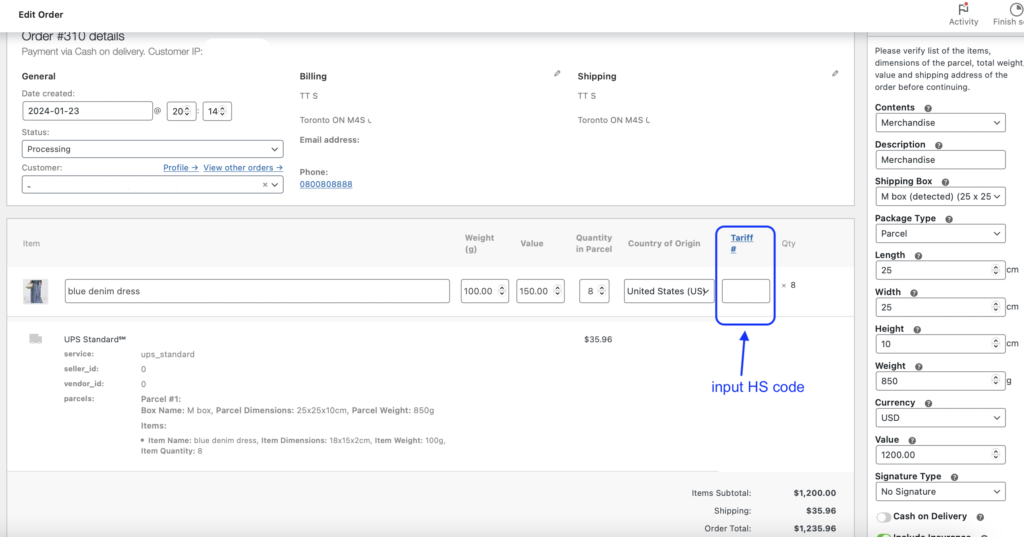
How to add the HS Code for international orders?
< 1 min read
To add the HS Code (tariff number) for a WooCommerce international order, please follow these steps:
- Navigate to the specific order you want to add the HS code
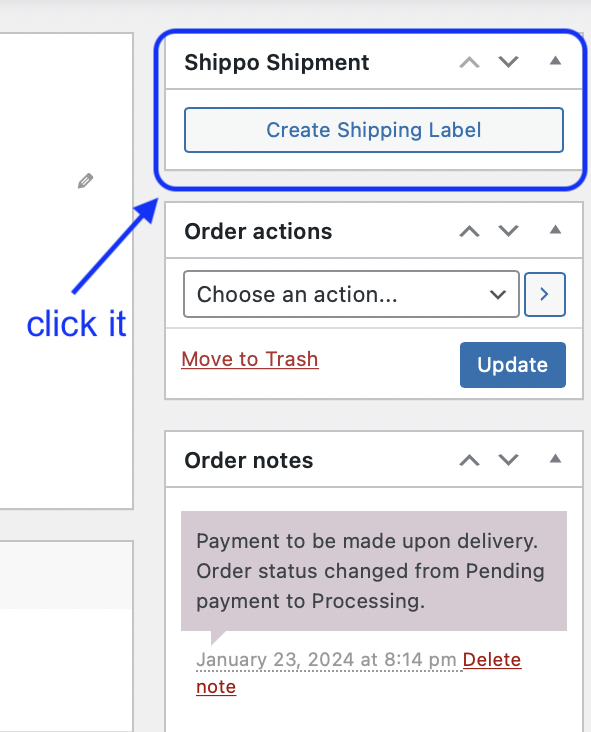
2. Click on the “Create Shipping Label” button, which is part of the standard procedure when generating a shipping label within the plugin.
3. On the left-hand side of the screen, you will find a detailed overview of the order.
4. To access the Tariff column, simply scroll to the right within the order information.
5. Then you can input the HS code in the Tariff number column.