
E-Commerce Shipping, WCFM multi-vendor
How to Split WooCommerce Orders by Warehouse or Vendor Automatically
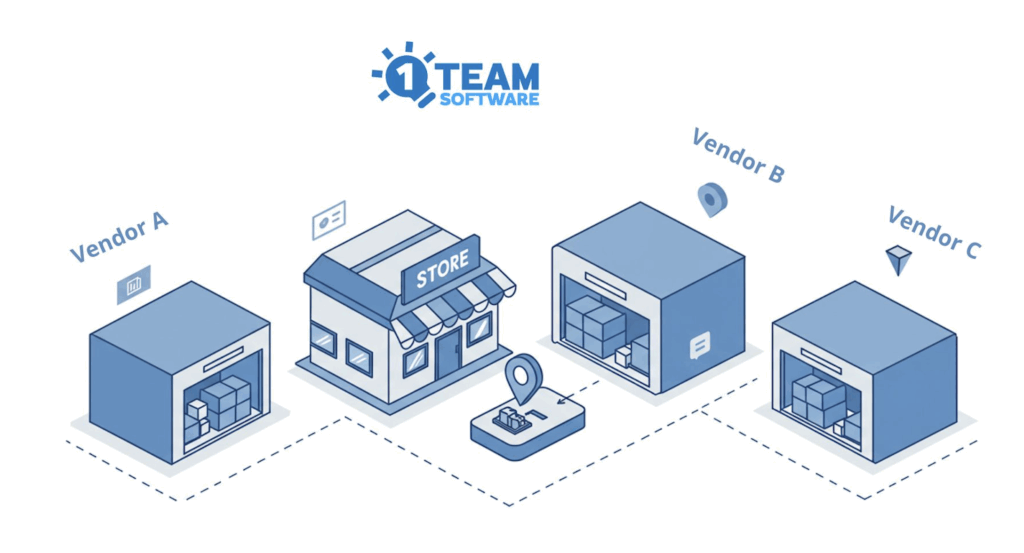
If you’re running a WooCommerce store that ships products from multiple locations, whether it’s different warehouses or vendors in a multivendor marketplace.
You’ve probably run into this headache already.
For single-location stores, shipping is usually straightforward.
But when you’re managing multiple warehouses or operating a marketplace with several vendors, whether through WCFM, Dokan, distributing orders becomes complex and time-consuming.
A customer places an order with products coming from three different sources.
Someone then has to sort out which items belong to which location, notify each warehouse or vendor, and hope cross their fingers that nothing gets lost in the mix.
It’s manageable at the beginning, but as your e-commerce store’s order volume grows, this manual process quickly becomes unmanageable.
The good news? There’s a better way to handle this. You can automate this entire process with two plugins that work together seamlessly.
Step 1: Split Orders by Warehouse or Vendor
The first tool you’ll need is Shipping Packages for WooCommerce.
It’s a WooCommerce free plugin that can automatically group cart items into separate packages based on rules you set up.
You can group items by:
- Vendor (perfect for WCFM, Dokan)
- Shipping Class (ideal for warehouse-based fulfillment)
- Product Categories, Tags, or Attributes
Once items are grouped, each package gets its own shipping calculation at checkout. Customers see what they’re paying for shipping from each location.
If you’re running a multi-vendor marketplace, the plugin can split packages by product owner(vendor), so items from Vendor A go into one package, items from Vendor B go into another. The same logic applies to warehouses if you use shipping classes to identify where products are stocked.
👉Download Shipping Packages for WooCommerce (Free plugin)
We put together a walkthrough on setting this up for multi-warehouse stores:
📍How to Split WooCommerce Orders by Warehouse for Multi-location Shipping
Step 2: Create Separate Orders for Each Location
Splitting items into separate packages at checkout is a great first step, but you’re still left with a single WooCommerce order that needs to be fulfilled by multiple locations.
This is where the Package Orders for WooCommerce plugin makes a real difference.
This plugin takes the packages created by the Shipping Packages for WooCommerce plugin and converts each package into a completely independent order.
How These Plugins Work Together
Here’s the complete workflow when both plugins are active:
A customer orders products A, B, and C from Vendor 1, plus products D and E from Vendor 2. Instead of creating one combined order that an admin needs to manually sort:
- The Shipping Packages for WooCommerce plugin groups items by vendor
- The Package Orders for WooCommerce plugin creates two separate orders, one order for Vendor 1 and one order for Vendor 2
- Each warehouse or vendor receives their own order and fulfills it on their own timeline
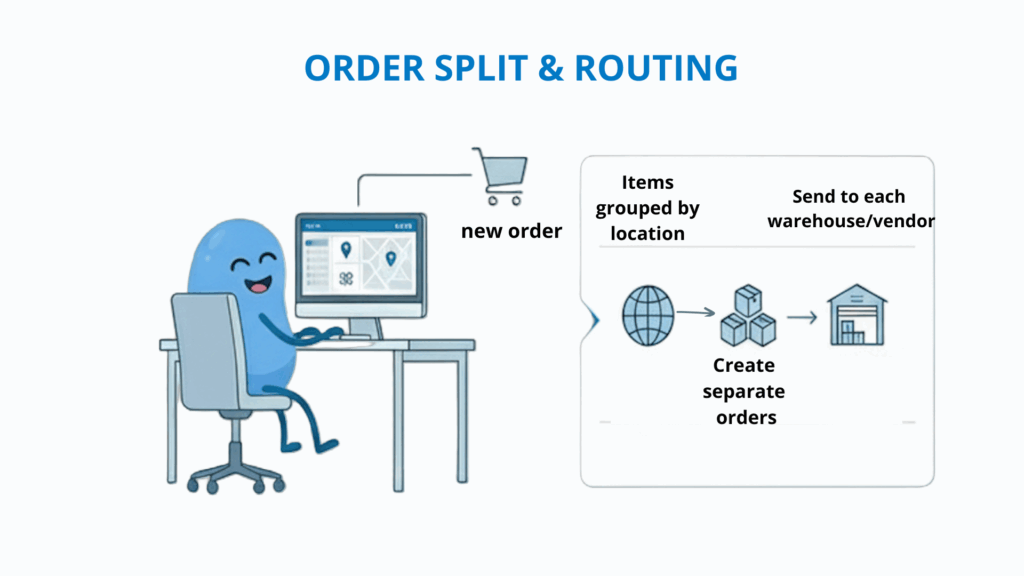
No admin intervention required. No manual sorting. No risk of missing items or sending orders to the wrong fulfillment location.
Key Benefits
- Vendors and warehouses receive their orders; no more waiting for an admin to sort through order details.
- Each order can be fulfilled and tracked independently
- Discounts, taxes, and fees are recalculated for each split order
- Order statuses stay synchronized. When the main order (parent order) is cancelled, each package order (child order) can be updated independently.
- Works with 1TeamSoftware WooCommerce live shipping rates plugins for automated shipping rule management
Bonus: Automate Label Creation for High-Volume Stores
If you’re processing a lot of orders daily, there’s another challenge worth addressing: creating shipping labels.
When orders are flowing in fast, manually generating labels for each one takes forever. And if you’ve got multiple warehouses or vendors, each needing their own labels, it gets even more time-consuming.
Instant Shipping Label PRO for WooCommerce automates this printing label process entirely. As soon as an order comes in, the plugin purchases the shipping label automatically. It can even email the label directly to the admin or vendors, so your warehouse team or vendors just print the shipping label and pack items.
Together, Shipping Packages for WooCommerce, Package Orders for WooCommerce and Instant Shipping Label PRO for WooCommerce plugins create a fully automated workflow.
Orders are split into packages, each package becomes its own order, and everything is routed to the correct vendor or warehouse.
By the time it reaches fulfillment, shipping labels are ready to print, no manual intervention required.
Combined with these three plugins, you get a fully automated pipeline:
- Customer places order → Items split by location
- Separate orders created → Sent to each warehouse/vendor
- Shipping labels generated automatically → Emailed to fulfillment teams
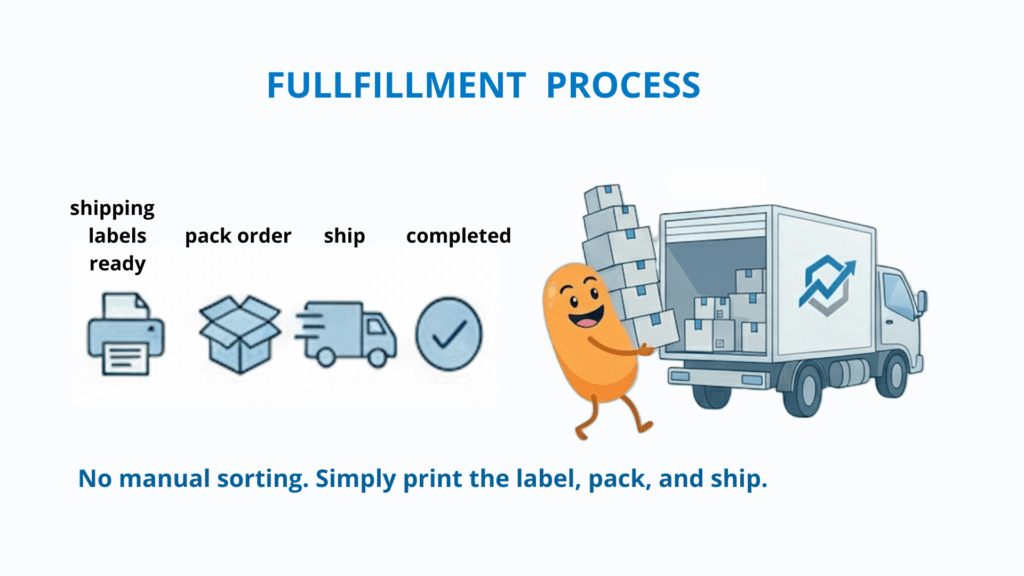
- Teams print labels, pack orders, and ship
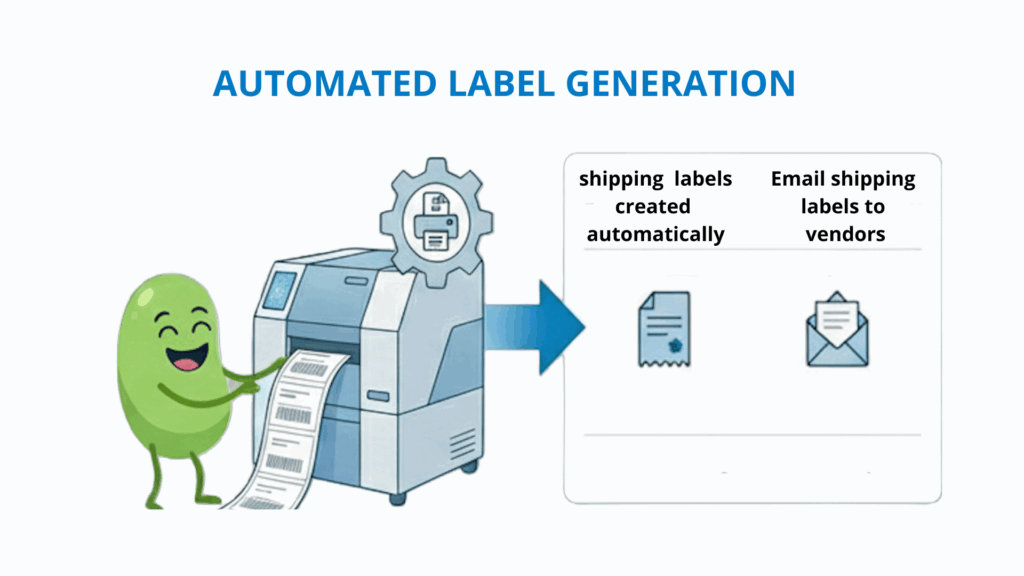
No manual sorting. No manual label creation. Just pack and ship.
Ready to Streamline Your Fulfillment?
If you’re running a WooCommerce store with multiple warehouses or a multi-vendor marketplace like WCFM or Dokan, these tools will save you hours of manual work and eliminate costly fulfillment errors.
Get started:
- Shipping Packages for WooCommerce (Free plugin): This WooCommerce plugin is free, so you can try the package splitting without any commitment.
- Package Orders for WooCommerce: Create independent orders for each package
- Instant Shipping Label PRO for WooCommerce: Automate label generation and distribution
The time you save on manual order management is time you can spend growing your business.
📮 If you have any questions about choosing the right plugin or need assistance while using our plugins, please feel free to reach out to our support team through the Contact Us page.